Everything a translation tool always did. And what it never could.
AI is wired in everywhere, but you keep total control and can use it as much or as little as you need.
A Windows desktop application on your own machine, with the control you have always had. Your documents, your memories and your termbases sit in your own folders on your own disk, and stay there while you work; the grid, the searching and the file handling are your computer's work, not a round trip to somebody's server.
What a translation tool has not been able to offer you before. Your client's names and figures replaced before anything reaches an AI model. Machine translation that has read the document. An assistant that proposes and never imposes. And the AI model you choose, run where you choose.
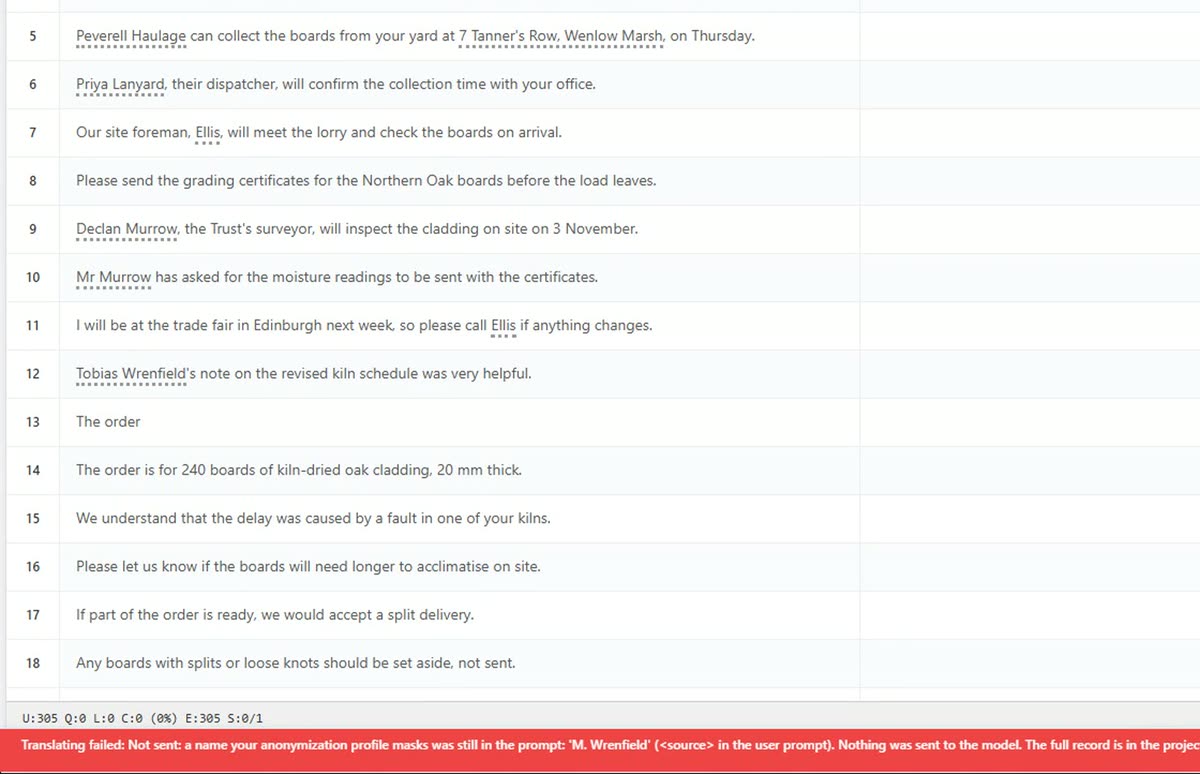 0:29Personal data protected before it reaches the AI model.
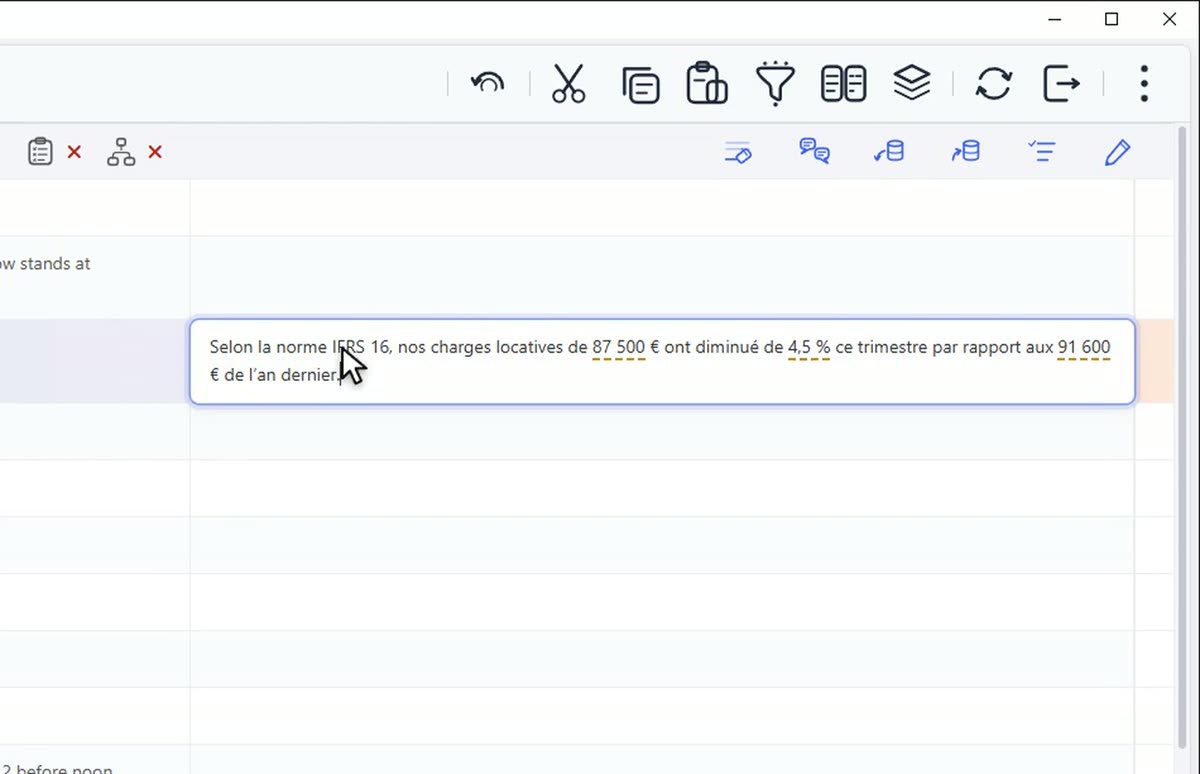 0:26Figures scaled, then put back.
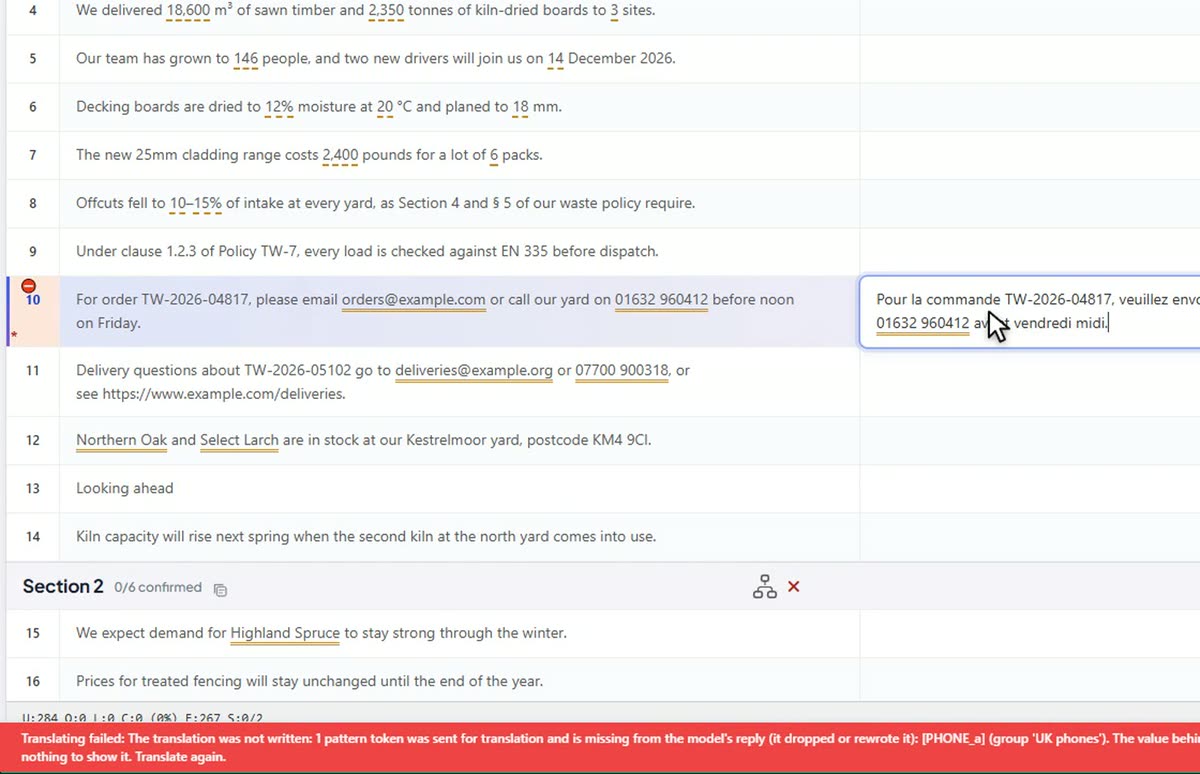 0:26Contact details swapped out by rule.
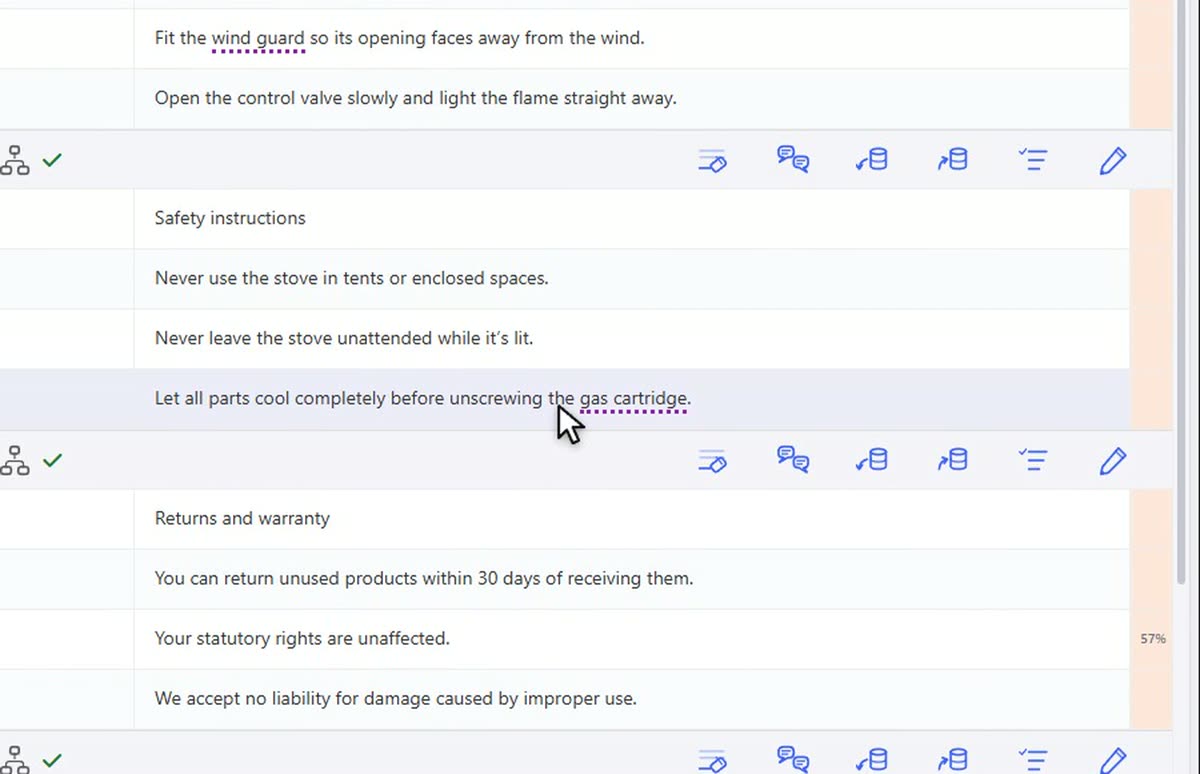 0:26Machine translation that has read the document.
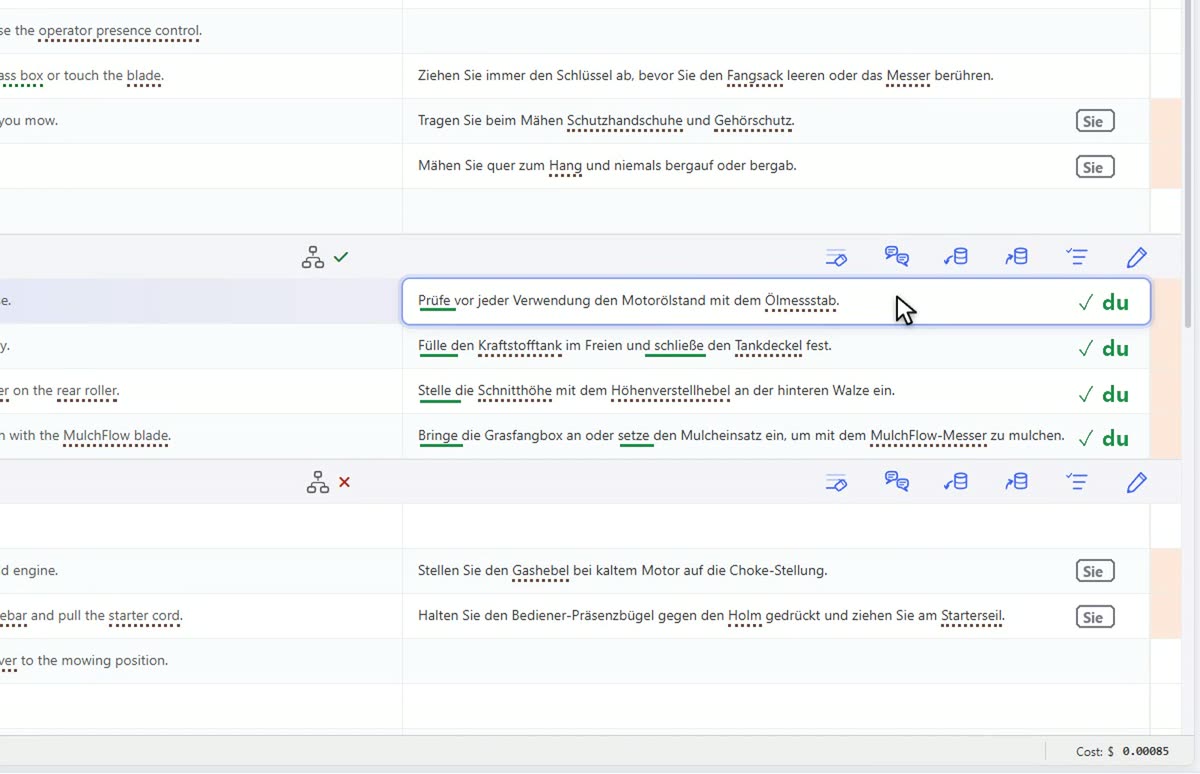 0:27Brief each section on its own.
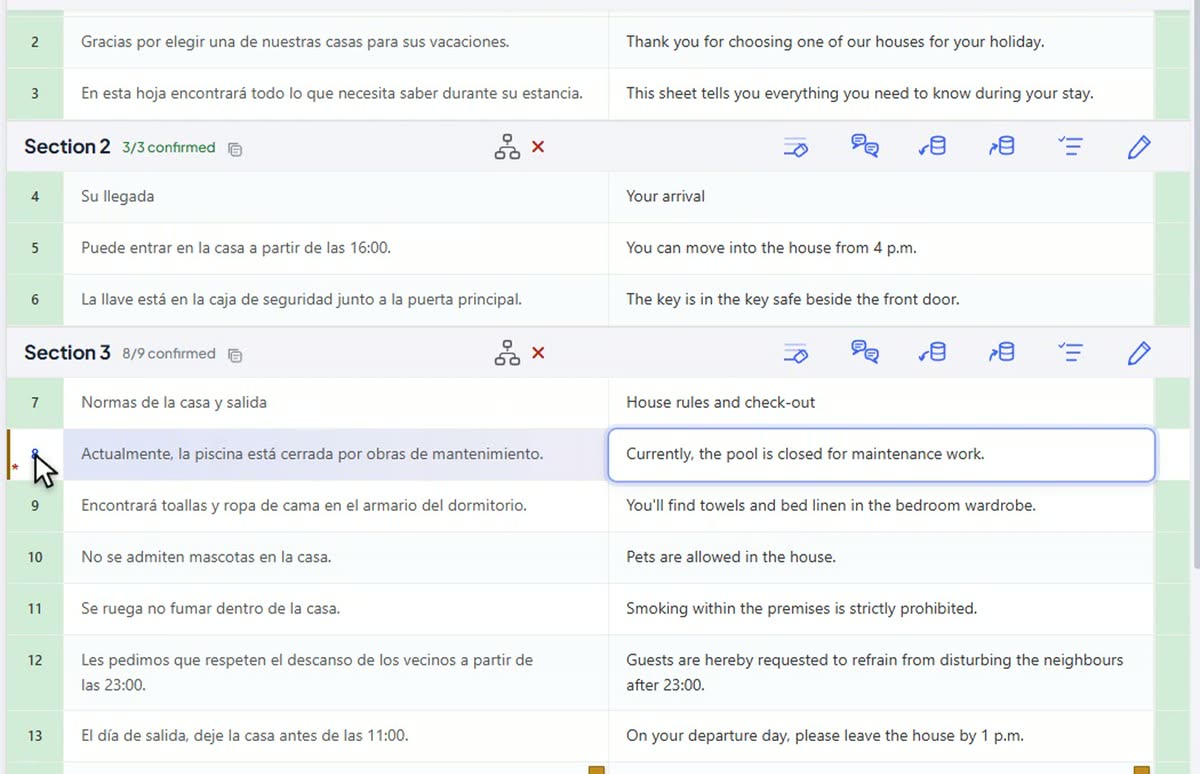 0:26An AI review that catches what a fluent read misses.
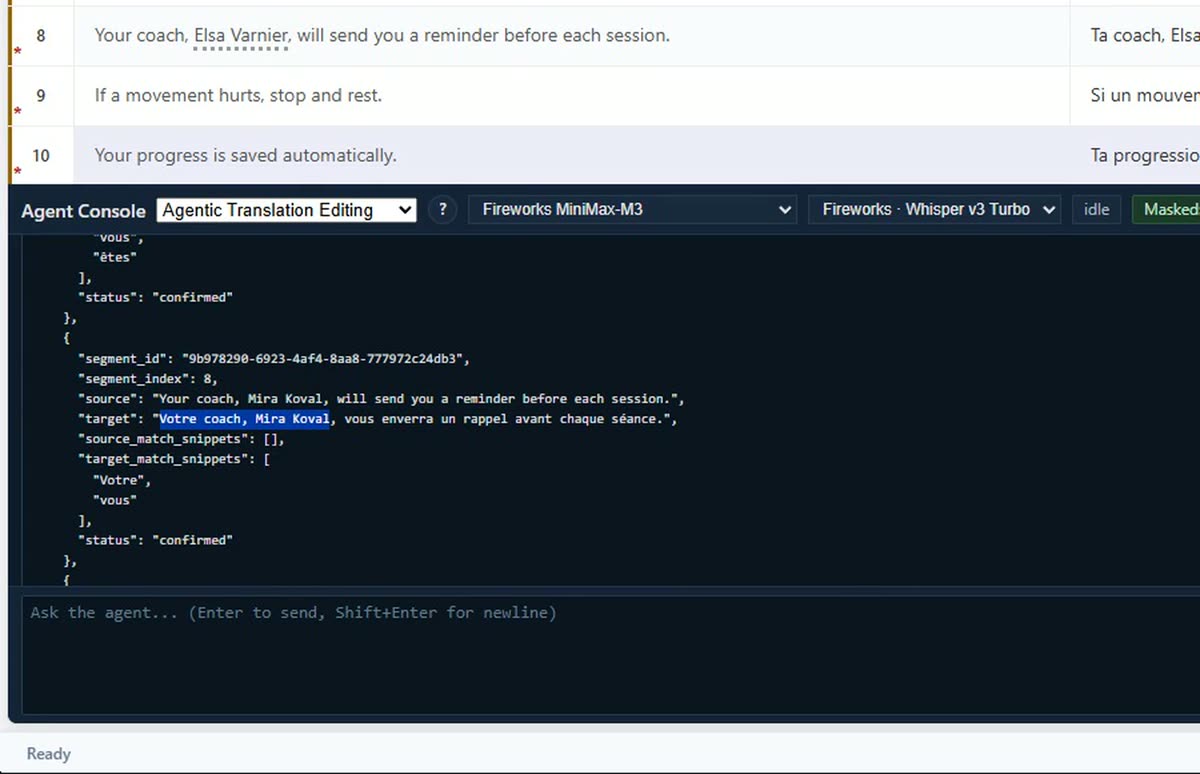 0:28Turbocharge your editing.
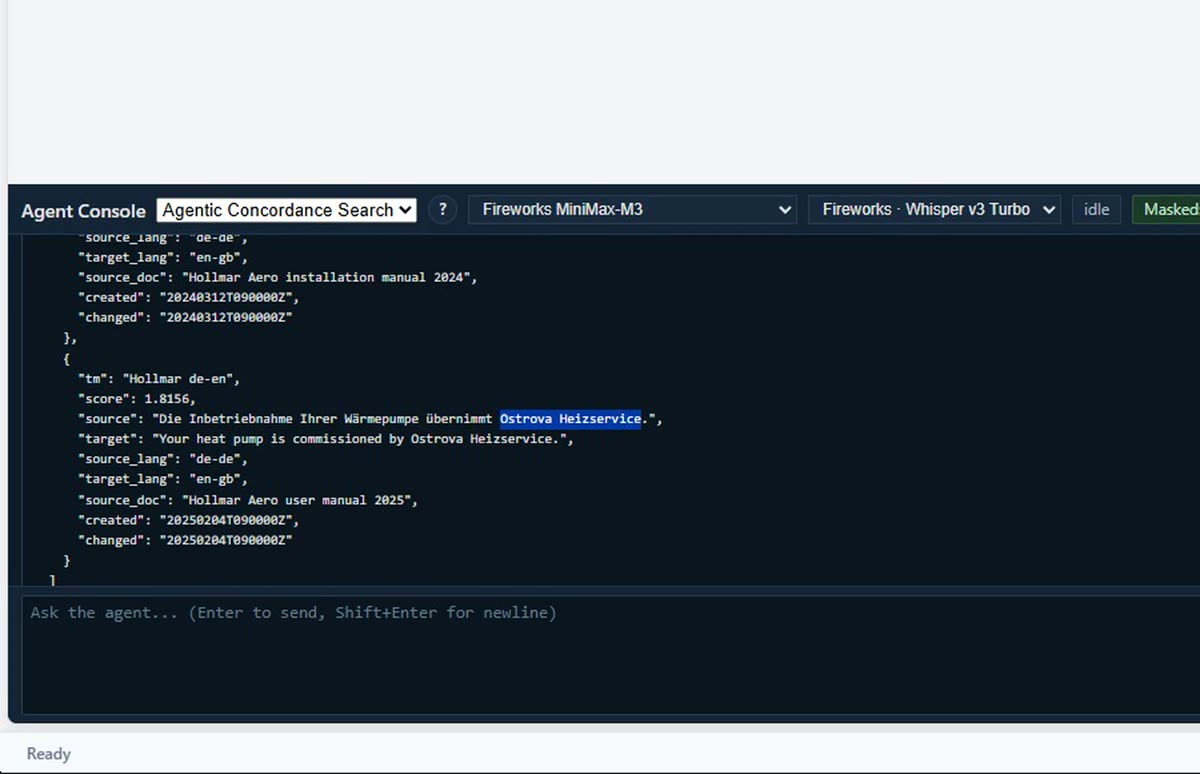 0:24Ask your TMs how else you have translated a term or expression.
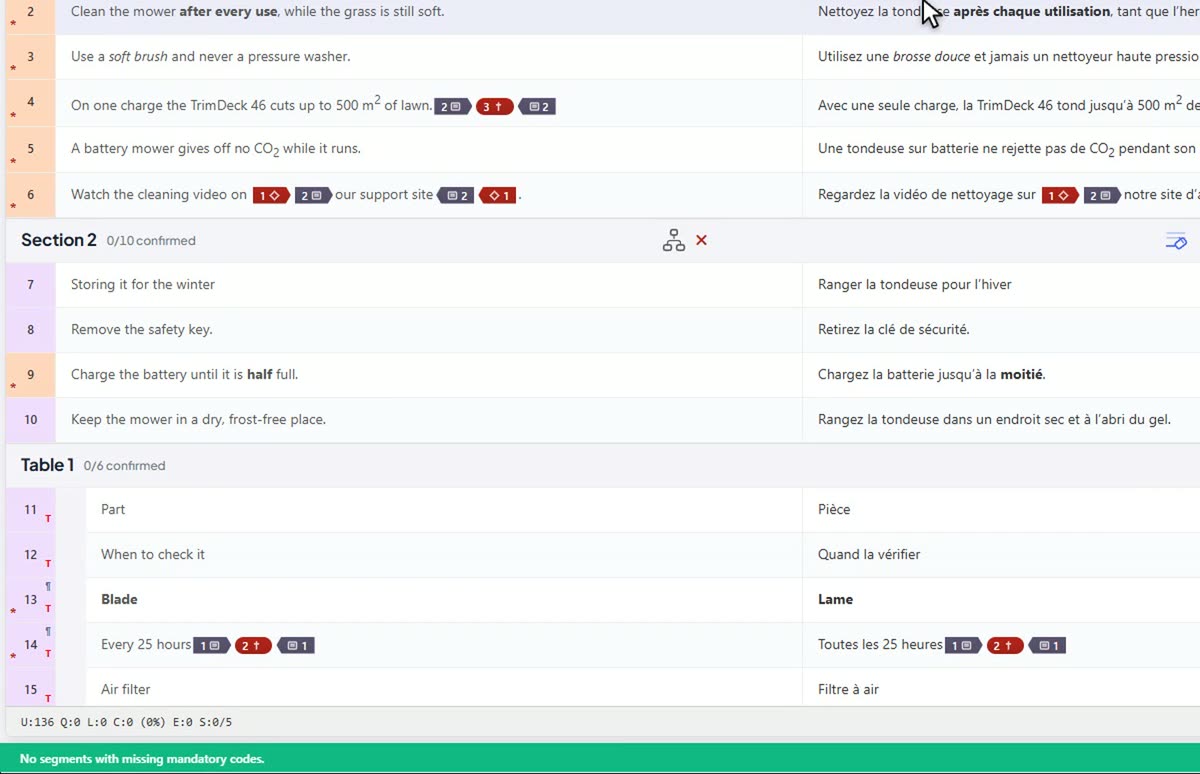 0:25Every code placed for you.
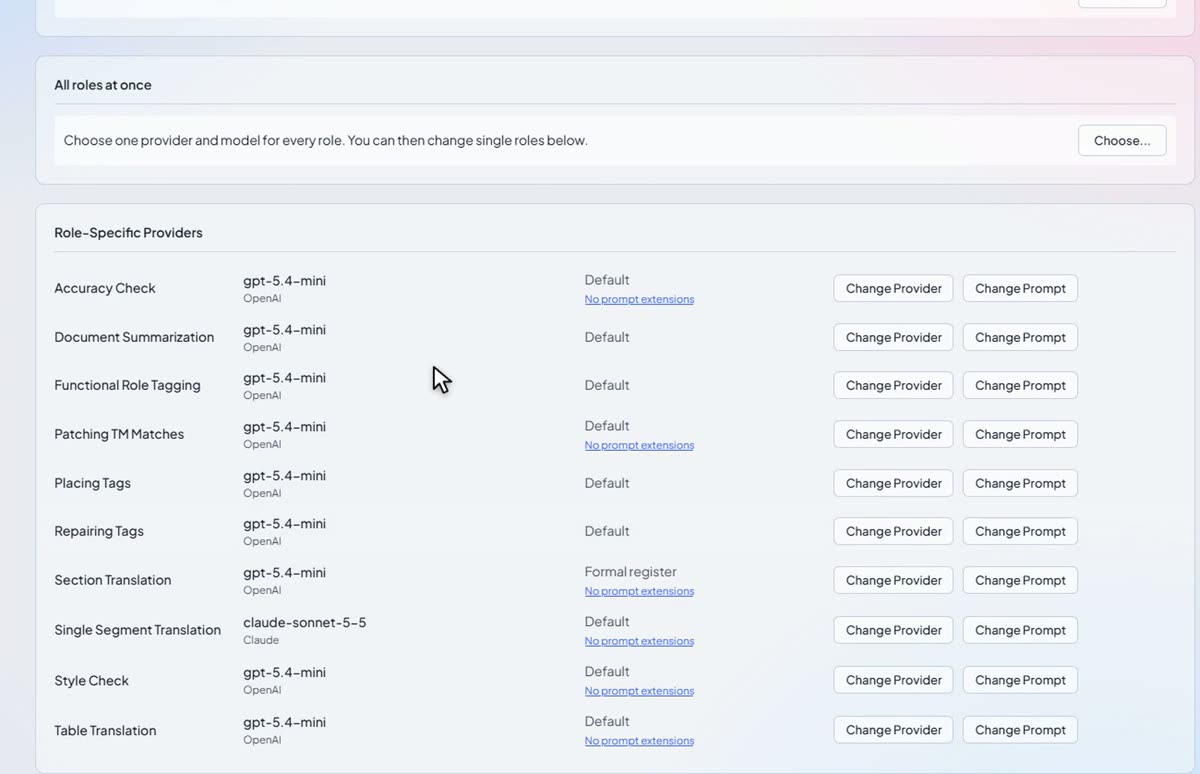 0:28Any AI model, chosen task by task.
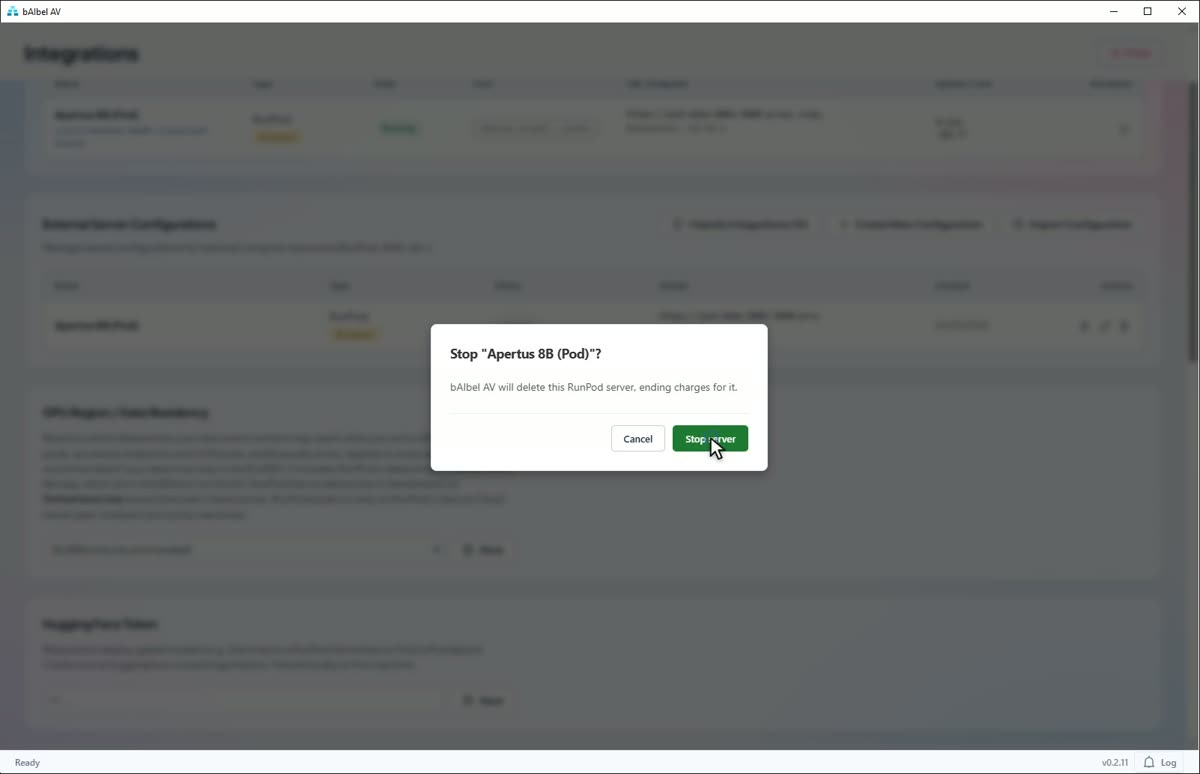 0:29A GPU of your own, in the region you choose.
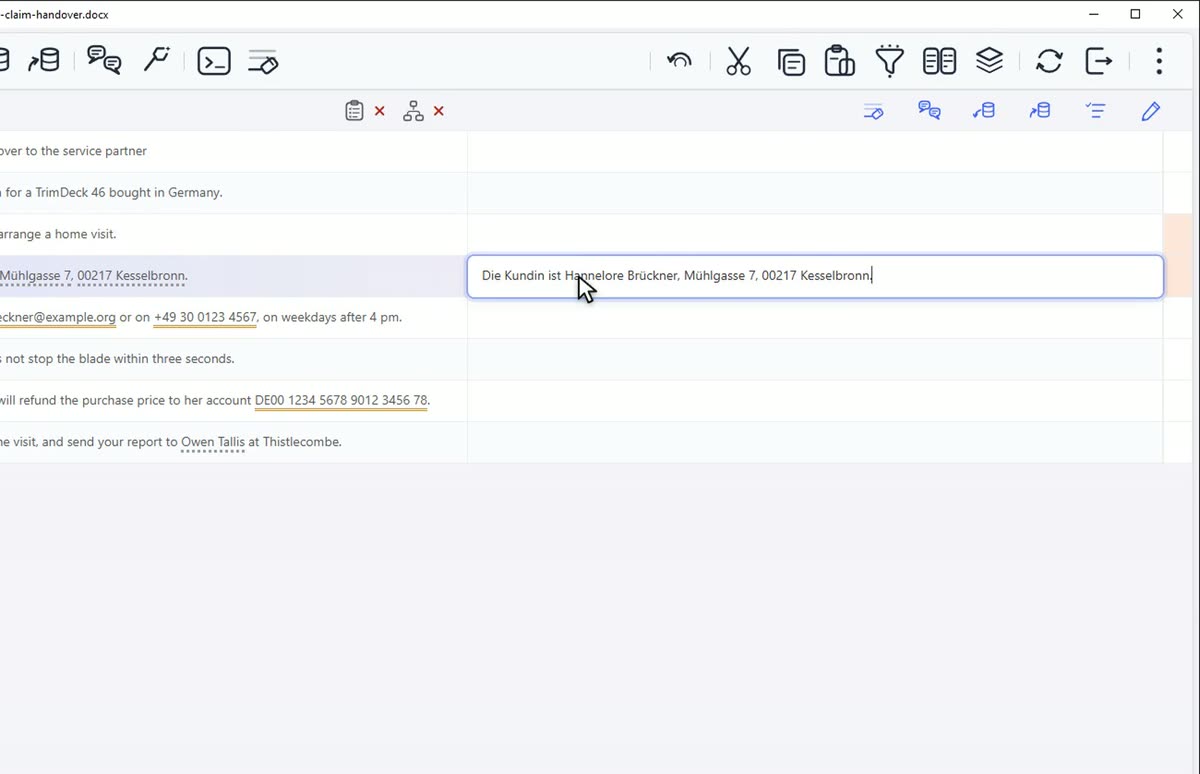 0:23An AI model on your own PC.
Names, organisations and places are replaced with stand-ins that read like the real thing, so the AI model still understands the text. An AI request that still carries a protected name is refused.
Amounts are scaled consistently before they are sent, so the document still makes sense to the AI model, and the real figures go back into the translation.
Email addresses, phone numbers and the reference formats you set rules for are replaced with placeholders, with no AI model involved, and put back in the translation.
Each section goes with the document's summary, what the section is for, your style, your terms and the translation so far: the briefing you would give a colleague.
Make the rows that belong together a section of their own, and give it its own instructions. That section follows them; the rest of the document keeps the document's.
An Accuracy check reads each section against its source. Step through the findings, and every fix you accept reopens its segment for you to confirm.
Ask for a change across a whole translation, such as tu instead of vous, and the agent changes the verb endings and the agreements too. It proposes; you decide.
The agent brings back the different renderings, each once, and where each one came from. It never changes your memories.
Place Codes has an AI model put the formatting codes into your translation, checks every placement, and marks any segment still in doubt for you to look at.
Thirteen providers and more, and a different AI model for each task if you want one. Nothing is sent until you have chosen.
bAIbel AV rents a GPU and runs an open AI model on it, only in the regions you allow: the EU or EEA, Switzerland or the US. Shut it down, and billing stops.
Already running Ollama or LM Studio on your PC or network? Connect bAIbel AV to it, and your text goes there and nowhere else.
Everything you rely on in a translation tool is here and works the way you expect: memories and termbases in the formats you already keep them in, the file formats your clients send, versions, comments and review. Some of it now goes a step further.
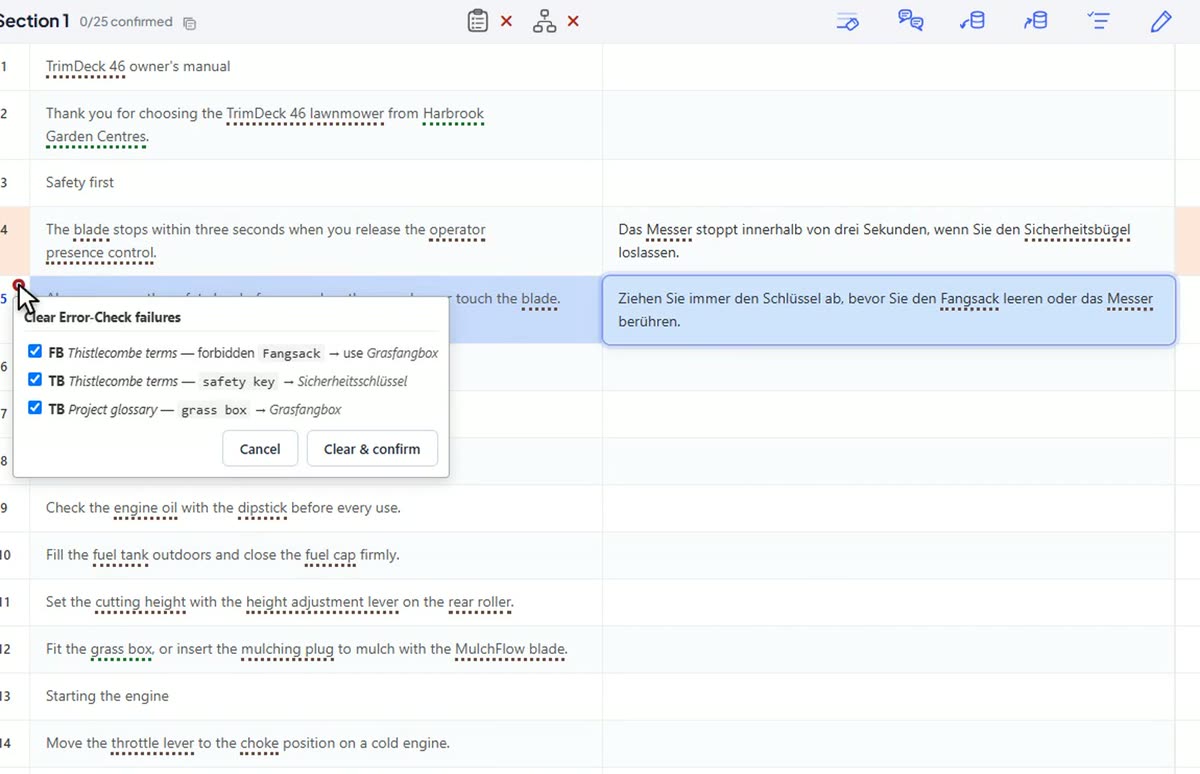 0:24Your client's terminology, enforced.
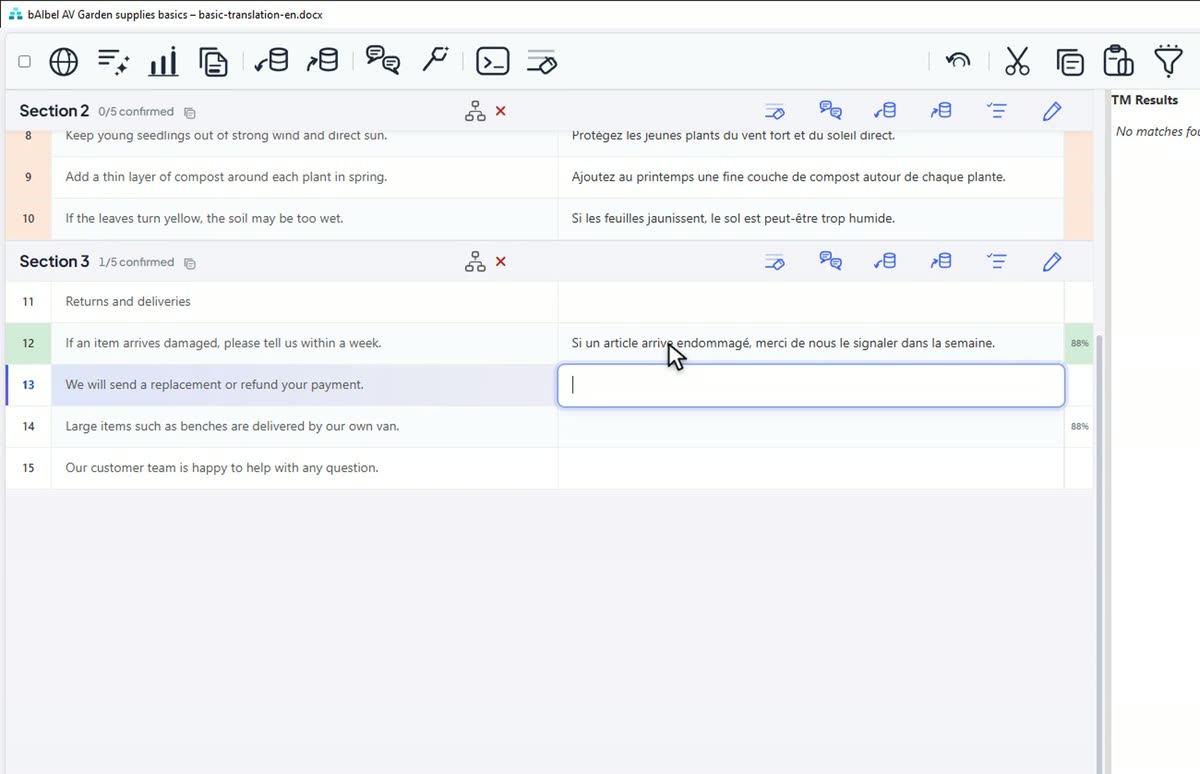 0:22A close TM match, fixed with one keystroke.
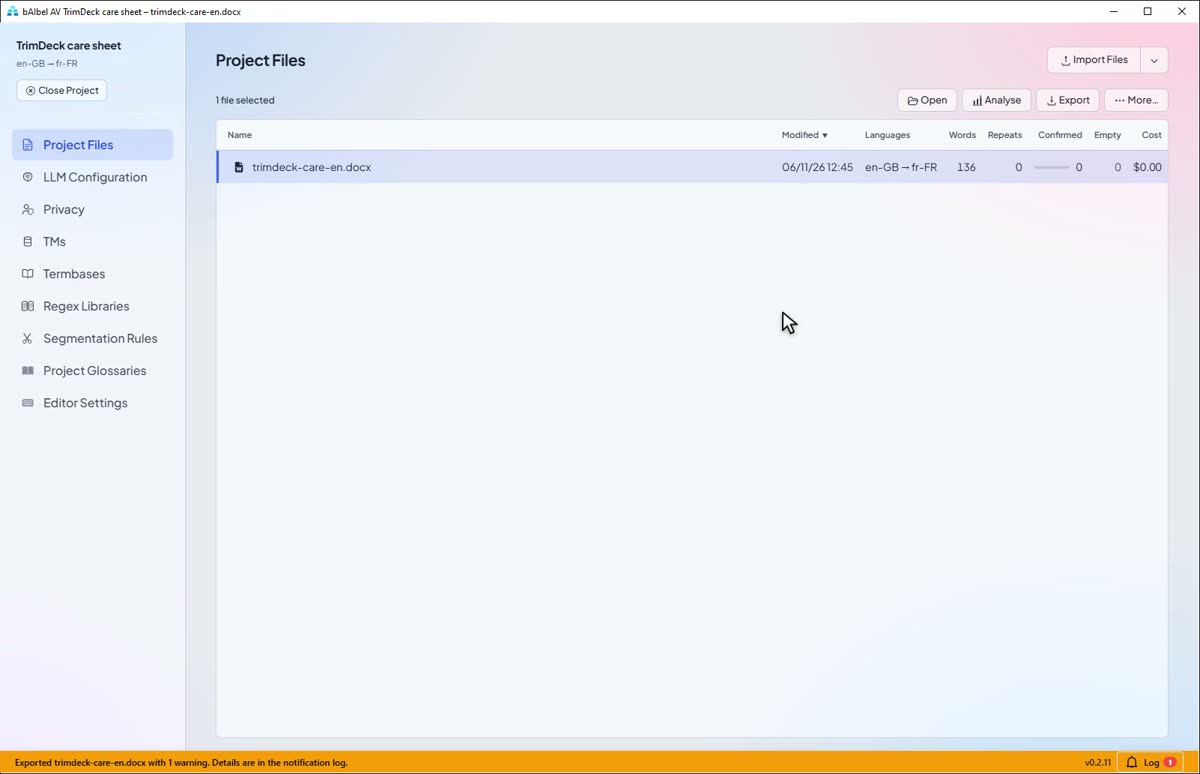 0:25No export with a code missing.
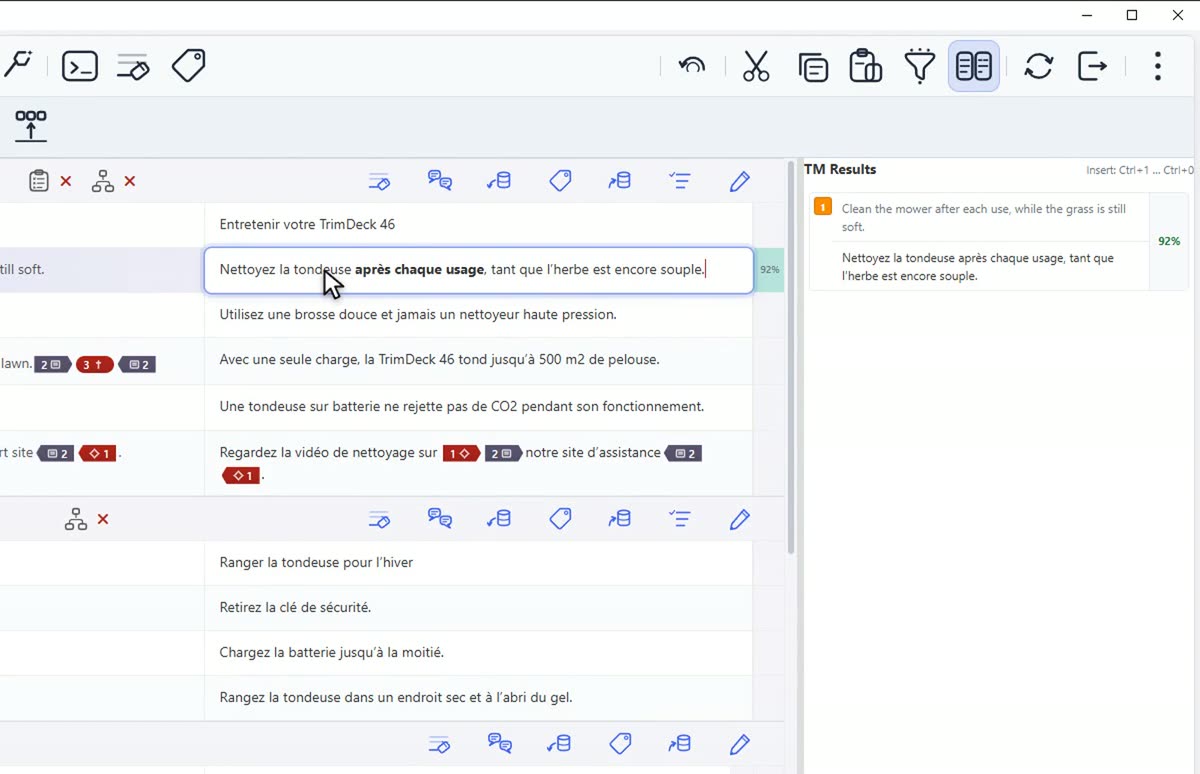 0:25Words first, codes last.
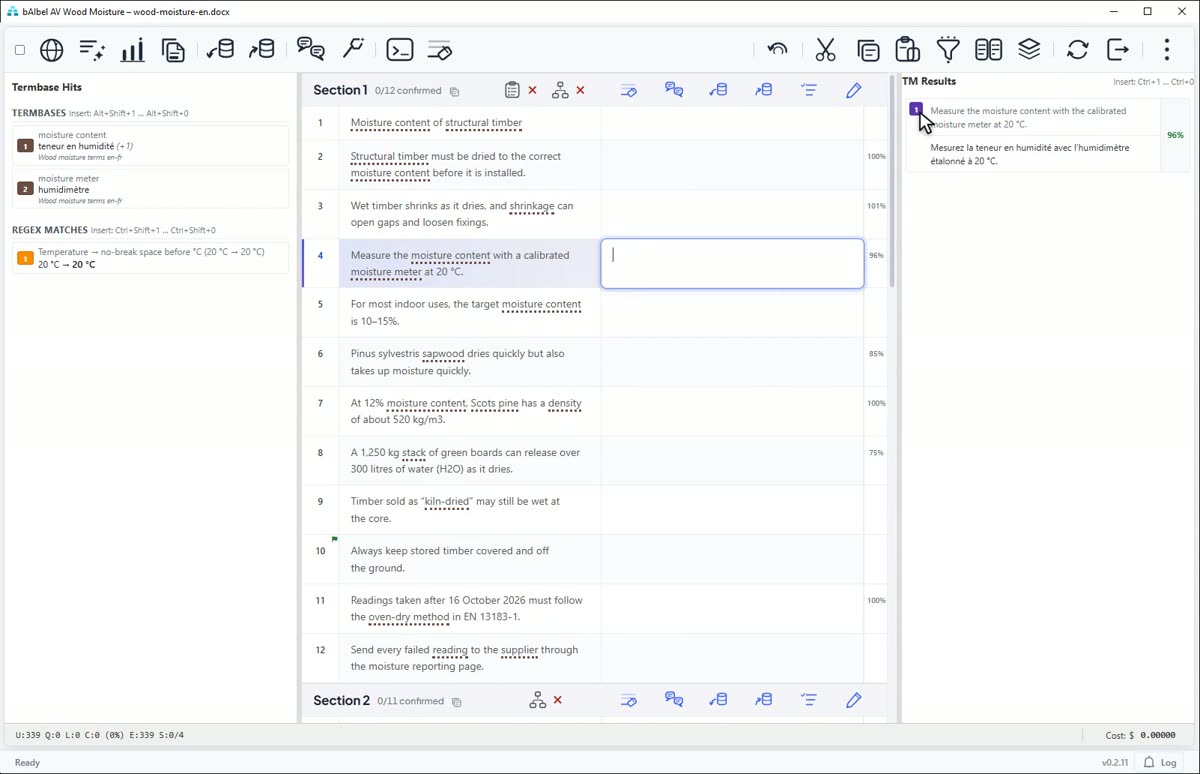 0:29Only what you need on screen.
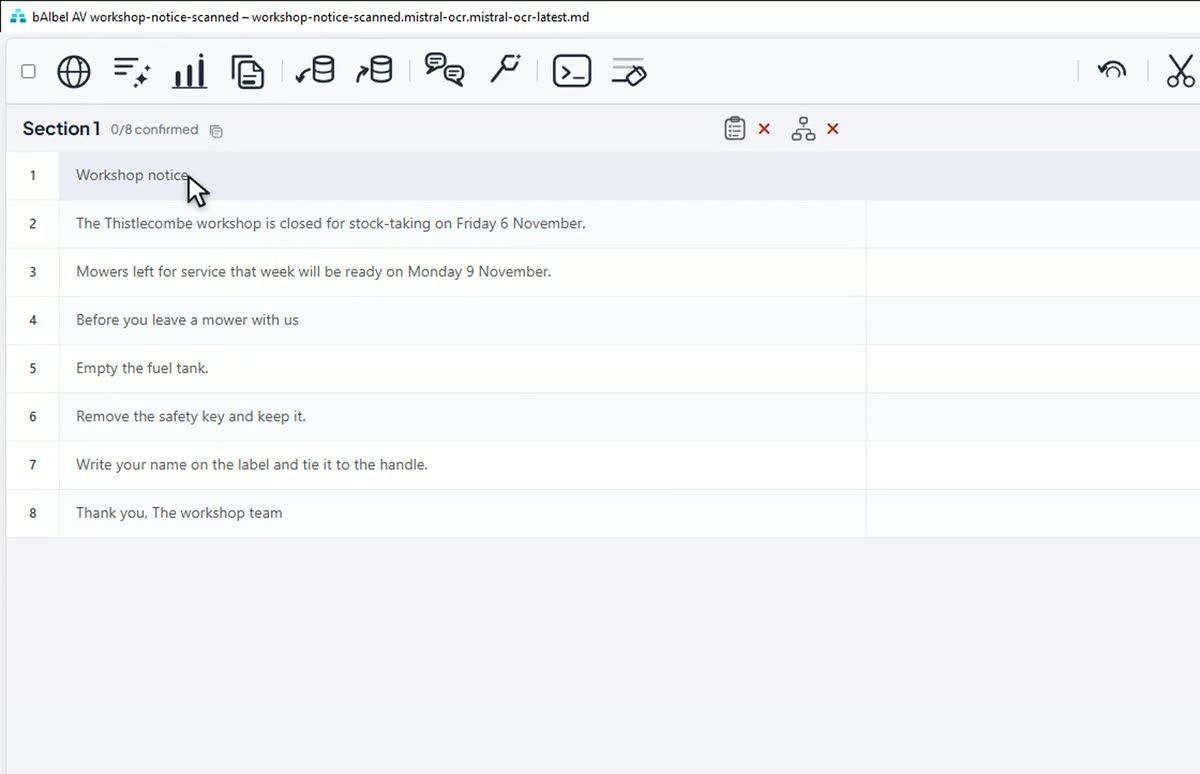 0:25PDFs, scanned or not, ready to translate.
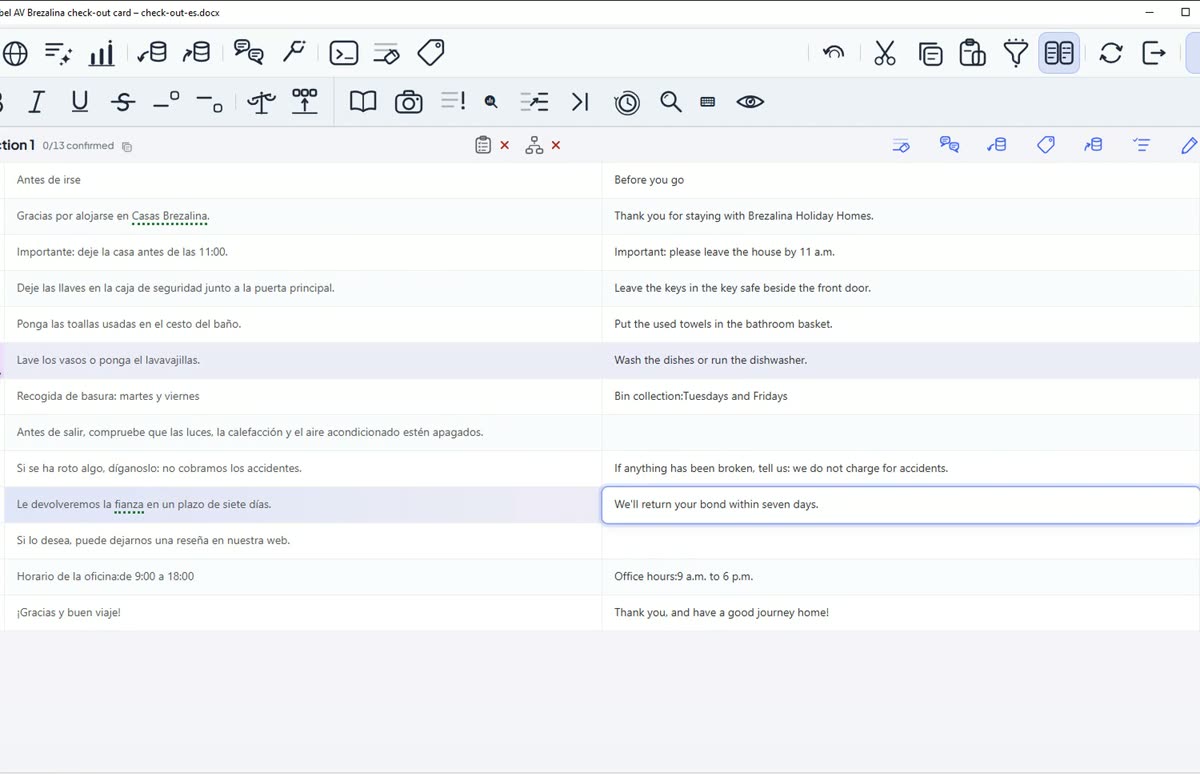 0:25The source changed: translate only what changed.
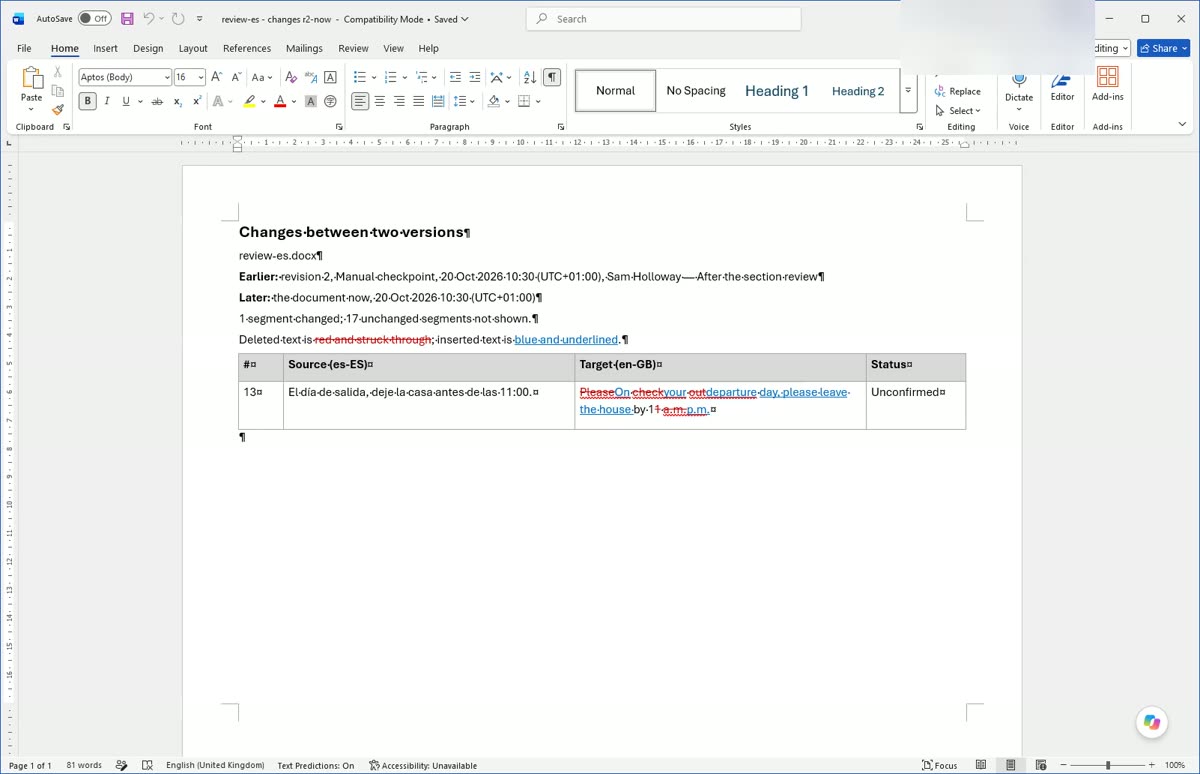 0:29Comments, history and versions.
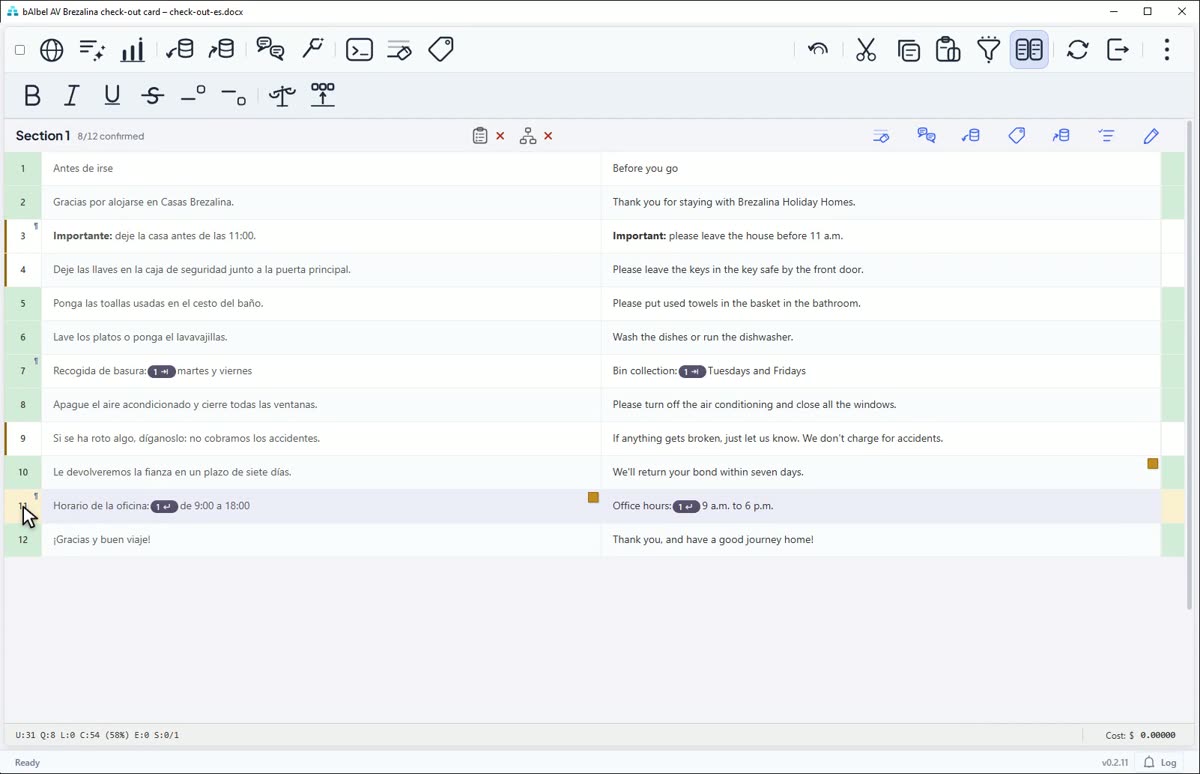 0:25Review in Trados or memoQ, and every change comes back to you.
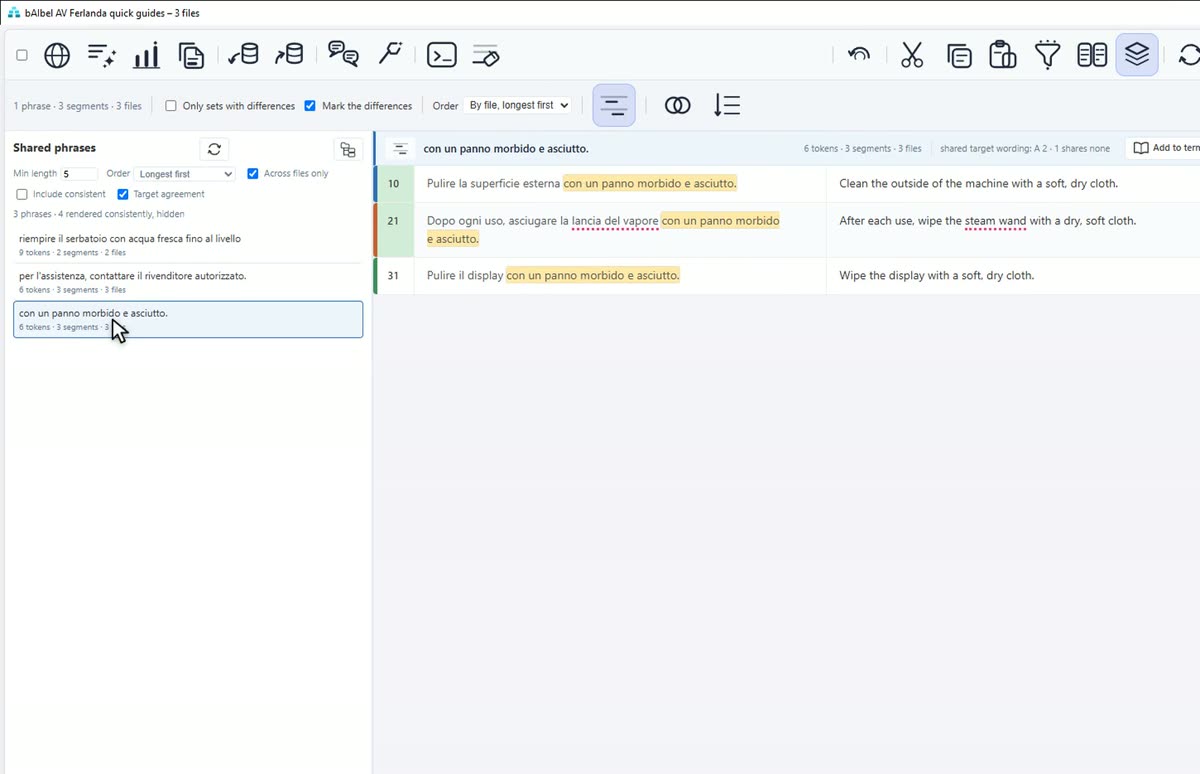 0:26One delivery, one way of saying it.
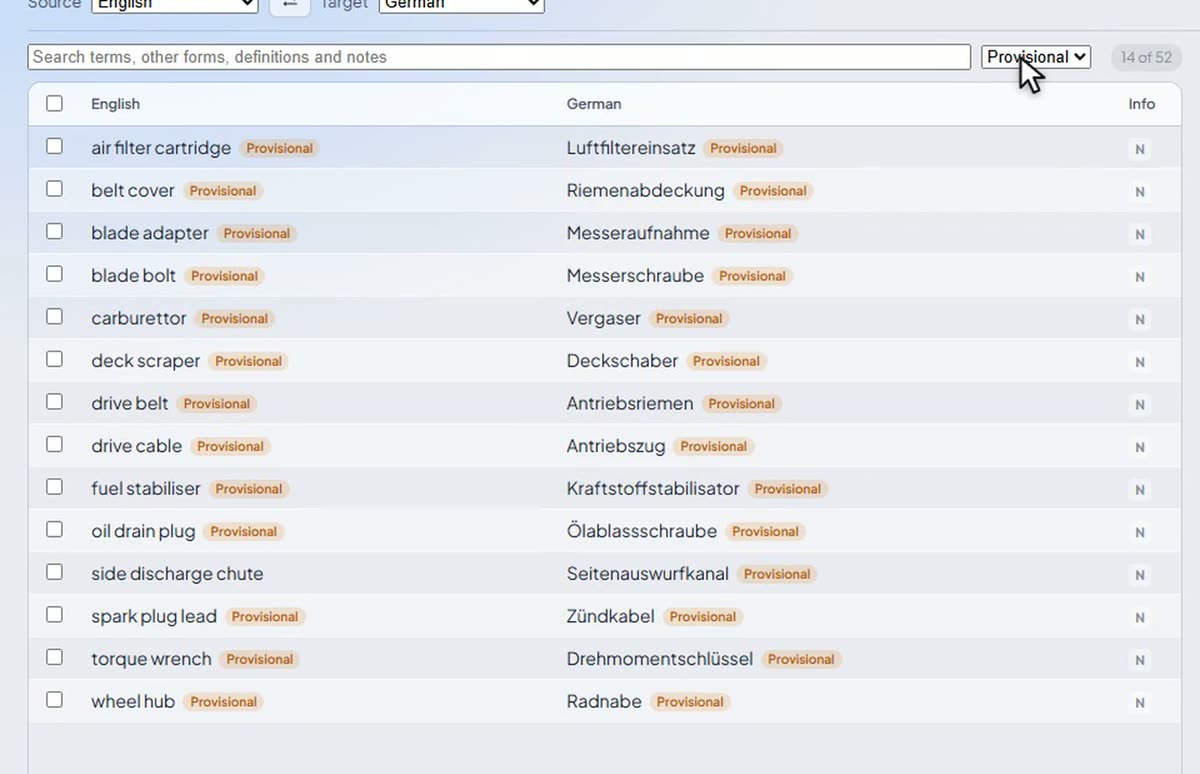 0:26Term extraction, built in.
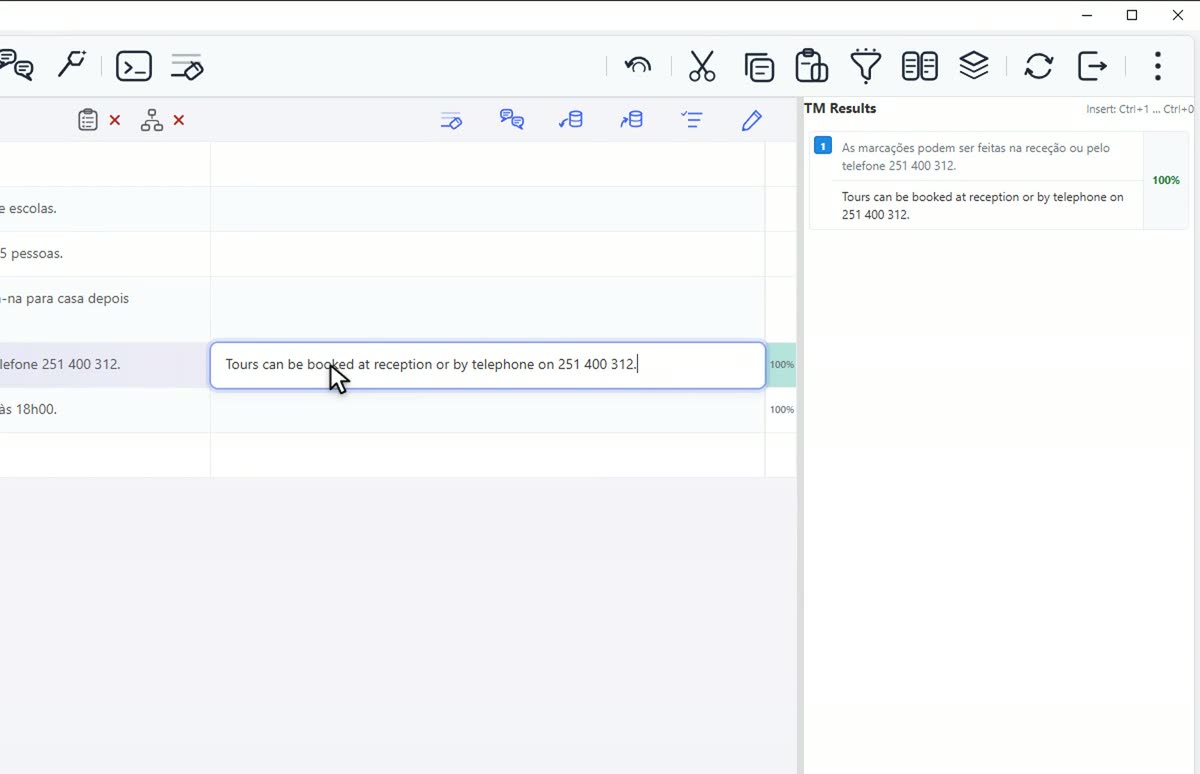 0:26Reference translations into a memory, without a second program.
Termbases and a project glossary, with every hit in the grid. The AI model is given them too, and a forbidden term stops the segment being confirmed.
Ctrl+Shift+F rewrites a good match to fit the new source. The result is marked as patched, never confirmed.
A document missing a required code is refused, with the segment named, and F8 takes you straight to it. A Trados or memoQ file goes out with a warning instead, so you can settle the code in that tool.
Work on the words in Standard View, then place the codes in Formatting View: yourself with Alt+1, or all at once with Place Codes.
Termbase hits, TM matches, history and comments come into view when you need them and go again, so the grid keeps its room.
Convert a PDF, scanned pages included, into a file you can translate. Each route says whether your PDF leaves your PC.
Reimport the revised file, and your translations come back wherever the text is unchanged, with the lightly changed sentences filled from the earlier version.
Comment on a segment or on the words in it, see every earlier version word by word, and compare two versions of the document in Word.
The reviewer works in their own tool. Import Review lists every change before anything is applied, and each one arrives unconfirmed for you to confirm.
Open a delivery's files together, see every sentence translated two ways, and make the others follow the wording you keep.
Build a termbase from any previous translation: the AI model proposes the terms and how each was translated, and only what you approve goes in.
Pair the files, let an AI model align them, and import the result as a translation memory.
